

Budgeting Apps in 2026: Do You Need One, or Just a Better System?
Searches for budgeting apps exploded since Mint shut down. An honest look at what apps actually solve, what they do not, and how to tell if you need one.
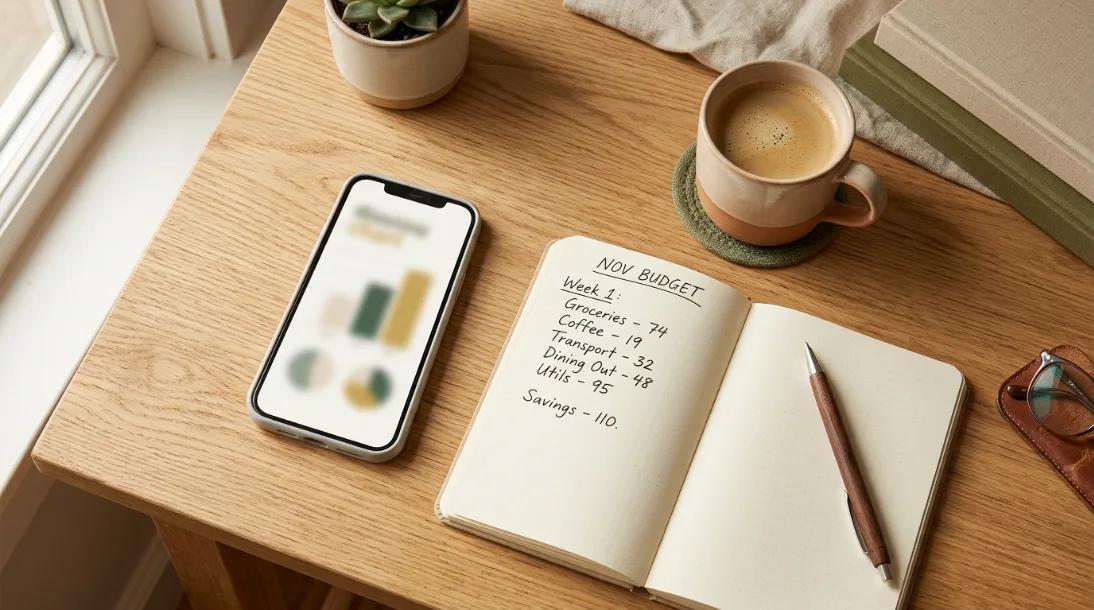
When Mint shut down, a lot of people went looking for a replacement and discovered just how crowded that market has gotten. Monarch, Copilot, Rocket Money, YNAB, a dozen others, all promising to finally make budgeting click. Searches for budgeting apps have climbed hard since then. But an app was never actually the missing piece for most people, and it is worth being honest about that before you spend money on a subscription.
What a budgeting app actually solves
Apps are genuinely good at one thing: automatically pulling in your transactions so you are not typing every purchase by hand. If manual entry is the exact reason you have quit budgeting before, that automation is worth something real. Some also forecast upcoming bills, flag subscriptions you forgot about, and show spending trends over months, which is harder to do by eye in a notebook.

What a budgeting app does not solve
An app cannot make a decision for you. It can tell you that you spent $340 on takeout this month. It cannot tell you whether that is a problem, or whether it is fine because you cut somewhere else. The actual budgeting, deciding what matters and what does not, still has to happen in your head. A lot of people download an app expecting it to think for them, use it for two weeks when the categorization is a little off, and quietly stop opening it. That is not a willpower failure. It is a mismatch between what the app does and what they actually needed.
An app can show you where the money went. It cannot decide where it should go next. That part is still yours either way.
Apps vs a simple system, honestly
| Budgeting app | Simple system (spreadsheet, paper, or a set method) | |
|---|---|---|
| Setup time | Fast, but bank linking can be finicky | Slower to build, but fully yours |
| Ongoing effort | Low, if categorization stays accurate | Requires a regular check-in |
| Cost | Often $5 to $15 a month | Usually free or a one-time cost |
| Best for | People who will actually open it weekly | People who want full control and no subscription |
| Biggest risk | Abandoned after the free trial | Falls apart without a set routine |
Neither one is objectively better. An app you actually open every week beats a perfect spreadsheet you abandon. A simple system you actually use beats an app subscription you forgot to cancel.
If you decide you need the system rather than the app, the underlying method still matters more than the tool. Compare the five main options in best budgeting methods for beginners — 50/30/20, pay yourself first, zero-based, envelopes and 80/20 — then run your pick for one full month before judging it.
How to tell which one you actually need
Ask yourself honestly: did your last budgeting attempt fail because tracking felt tedious, or because you tracked everything perfectly and still overspent anyway? The first problem is solved by automation, an app is worth trying. The second problem is not a tracking problem, it is a plan problem, and no amount of automatic categorization fixes it. What you need there is a simple rule for where money goes before it gets spent, which is exactly what the 50/30/20 rule gives you, app or no app.

The honest part
A lot of the appeal of a new budgeting app is the fresh start feeling, not the software itself. That feeling is real and useful, but it fades in about three weeks whether you are using an app or a spreadsheet. What keeps a budget alive past that point is a system simple enough to maintain on a bad week, not a feature list. If your last budget failed, it is worth figuring out why before paying for a new tool to fail with.
If you want to try the simple-system route first, the free One-Month Money Reset Kit is one month of exactly that, with no subscription and no bank linking.
Frequently asked questions
Do I actually need a budgeting app?
Only if manual transaction tracking is the specific thing stopping you from budgeting. If your issue is deciding what to spend on rather than tracking what you spent, a simple system solves that just as well without a subscription.
What is the best budgeting method in 2026?
There is no single best method. The 50/30/20 rule works well as a simple percentage-based starting point, whether you track it in an app, a spreadsheet, or on paper. The best method is whichever one you will actually keep using past the first month.
Are budgeting apps worth the monthly cost?
They can be, if you use the automation regularly and it genuinely saves you time. If you find yourself not opening the app after the first few weeks, the subscription is not paying for itself, regardless of its features.
What is a good free alternative to a budgeting app?
A simple spreadsheet or a printed monthly tracker built around a clear rule, like the 50/30/20 split, does the same core job as most paid apps: showing you what came in, what went out, and what is left.
Why do I keep quitting budgeting apps after a few weeks?
Usually because the app was solving a tracking problem you did not actually have. If the real issue is deciding what to spend on, no amount of automatic transaction pulling fixes that. A simple spending rule tends to stick better than a feature-heavy app in that case.
One calm next step
Be honest about why your last budgeting attempt stopped. If it was the tracking itself, try an app this month. If you tracked everything and still overspent, skip the app and build a simple rule for where money goes first, before it gets spent.
Free kit
The free One-Month Money Reset Kit is the simple-system option, no subscription, no bank linking, just a clear picture of what is coming in and going out.
Found this useful?
Pin it to come back to laterKeep reading
A few useful next steps
Loud Budgeting: How to Say "That's Not in My Budget" Without the Awkwardness
What is loud budgeting? The meaning, real examples, and simple 'not in my budget' scripts to say no to spending without awkwardness or shame.
Why Every Budget You've Tried Has Failed (and the Fix That Sticks)
Budgets do not fail at the math. They fail when one bad week feels like a broken month, so you quit. The honest reason, and the forgiving fix that lasts.

Why Saving Money Feels Impossible, and the One Rule That Fixes It
Saving fails because it has no payoff today. The behavioral fix is making progress visible, plus one simple rule that turns saving into momentum.